


Rated 4.7 by 312 buyers
Clear marking for small-batch packaging
Trusted by makers for daily coding


Skip outdated sticker rolls
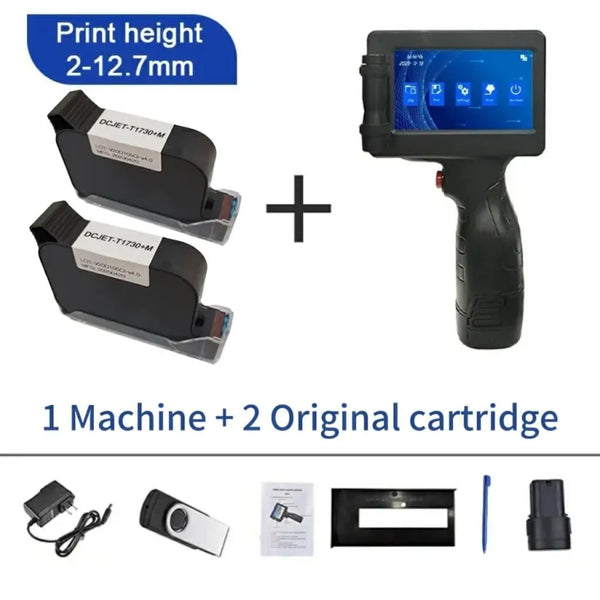
Phezer 12.7mm P17 Portable Handheld Inkjet Printer
Stop wasting custom sticker rolls when dates change. Print fresh batch codes, expiry dates, logos, and more directly onto your packaging.
Update dates in moments
Mark jars, bags, and boxes
Supports 28 languages
Fast-drying ink
12.7mm print height
No computer required
:
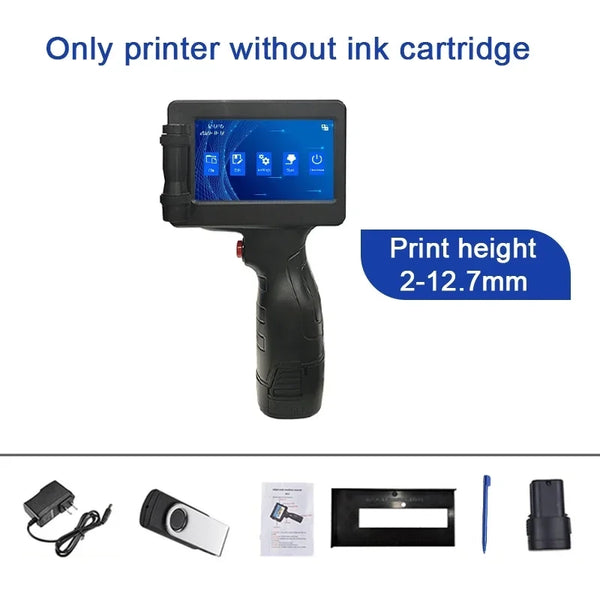
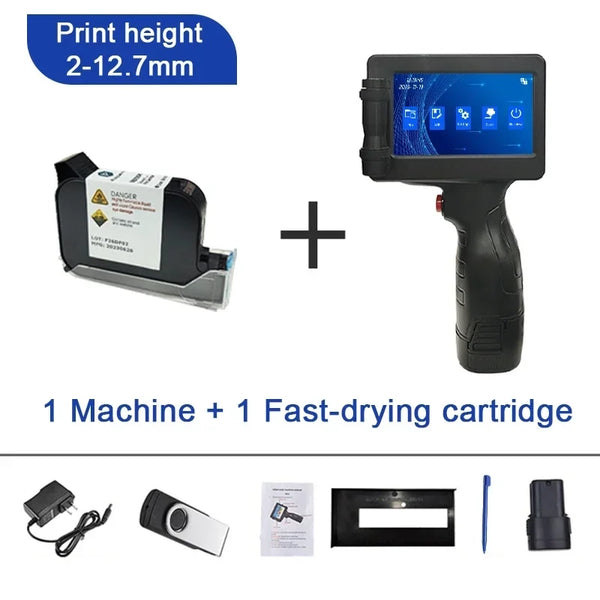
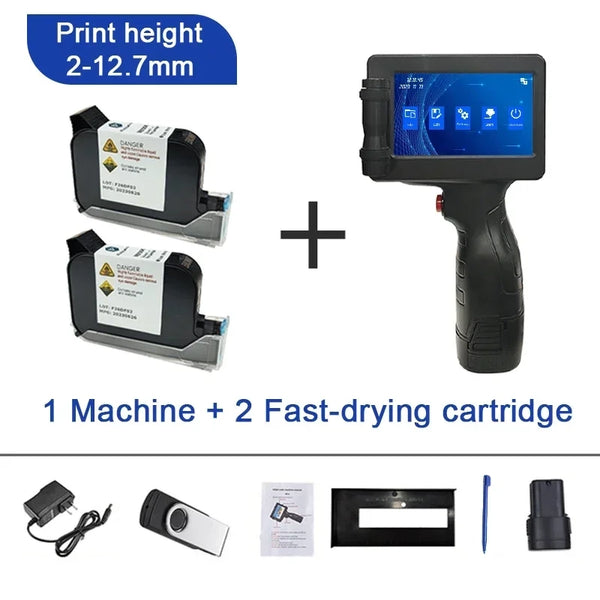
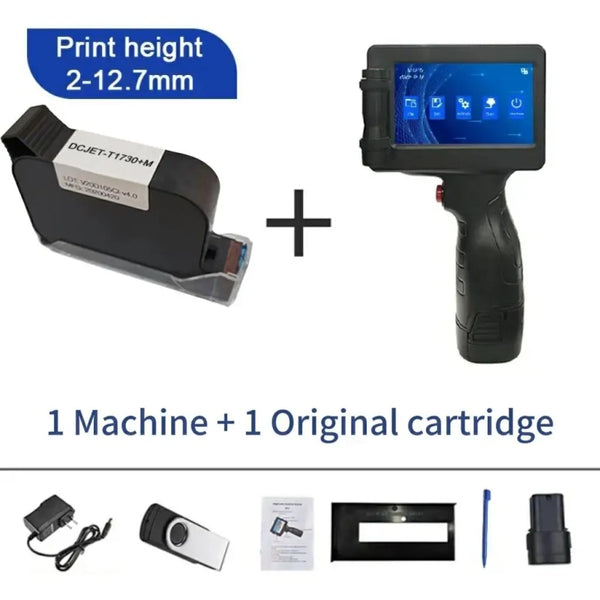
Bundle: Without Ink
Delivery varies by location
Simple protection
Secure checkout and a money-back guarantee.
Stop paying for labels that expire
Print only the dates and codes you need, directly on blank packaging.
Cut label waste
Clear your label shelf
Print the right batch every time

4.7
Average rating from 312 reviews
312+
Small-batch makers reviewed it
4
Packaging surfaces supported
Everything you need to mark packaging
Edit on the device
Create and adjust layouts on the 4.3-inch HD touchscreen.
Fast-drying ink
Handle marked items sooner with ink designed to dry quickly.
Smudge-resistant marks
Print clear codes without worrying about routine handling smears.

Four surface types
Mark carton, plastic, metal, and wood with one handheld tool.
28-language support
Choose the interface language that suits your workflow.
Portable by design
Carry the lightweight printer to each item in your workspace.
AT A GLANCE
Made for changing batch details
A 12.7mm print height and broad surface support keep variable marking practical as your production changes.
Print height
12.7mm
Display
4.3-inch HD touch screen
Language support
28 languages
Print capabilities
Expiry date, batch code, logo, QR code, barcode, text
Supported surfaces
Carton, plastic, metal, wood
Printing method
Thermal inkjet
Form
Handheld ergonomic pistol grip
Operation
On-device touchscreen control

THE DAILY ROUTINE
From changing code to finished pack
Power on, choose the day’s text, align the printhead, and glide across the package.
Turn on the printer and type or select the expiry date, batch code, logo, QR code, barcode, or text you need.
Use the 4.3-inch touchscreen to edit the layout directly on the device—no computer or complicated software required.
Place the printhead against the surface, pull the trigger, and move steadily across the item.
The practical middle ground for small-batch coding
Skip wasteful rolls and oversized machinery for a portable way to print changing data where you work.
On-demand variable printing
Clear touchscreen control
No external computer required
Fast-drying ink
Prints on four surface types
Money-back guarantee
Portable handheld format
Free shipping
Pre-printed stickers
Industrial coders
Real makers, fewer labeling headaches
Small-business users share what changed once the interface made sense.
Easy once learned

Marcus K.
Verified buyer
2 weeks ago
Clear box printing

Elena R.
Verified buyer
Last month
Arrived as described

David L.
Verified buyer
January 2026
Works across materials

Jessica T.
Verified buyer
December 2025
No computer needed

Brian H.
Verified buyer
November 2025
Lightweight and fast

Samantha W.
Verified buyer
October 2025
Questions before you print
Straight answers on surfaces, setup, maintenance, and delivery expectations.
Yes. It is designed to print on carton, plastic, metal, and wood, so you can mark varied packaging with one handheld printer.
You create or select the content on the built-in 4.3-inch touchscreen, then print directly from the device without a computer.
There is an initial learning curve while you understand the menu and operation. After that, the routine becomes straightforward and practical.
It prints expiry dates, batch codes, logos, QR codes, barcodes, and text, with a 12.7mm print height.
Delivery varies by location. Customer reports note arrival times ranging from under three weeks to about a month.
Keep the ink cartridge and printhead properly maintained to help prevent drying or clogging when the printer is not in use.
Rated 4.7 by 312 buyers
Take control of every batch date
Print fresh codes directly on your packaging and leave outdated sticker rolls behind.